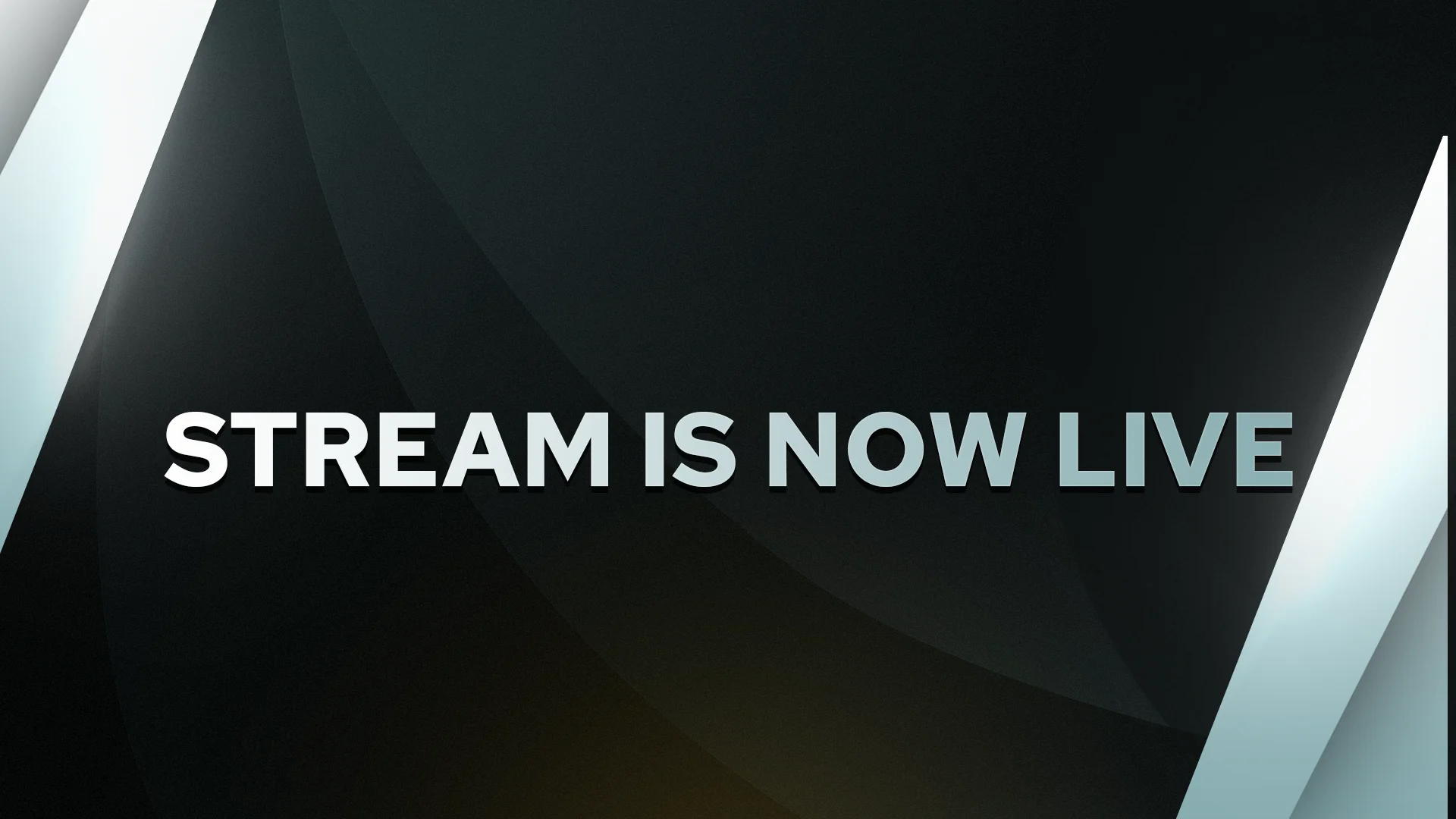
SUPPLIED CREATOR ART · LUXURY STATIC
A live scene with its own point of view.
The supplied package pairs dark geometry with crisp metallic highlights for a polished broadcast look.
 COACH COSMIC
A complete offline scene system for practice streams, local events and community broadcasts—ready for OBS and customizable in the browser.
Your COS:CORE editor now sits beside a broader visual reference library: stream packages, profile art, alerts, scene screens and fighting-game event graphics. Filter by the kind of asset you are building around.
The supplied package pairs dark geometry with crisp metallic highlights for a polished broadcast look.
Transparent borders for webcam, 4:3 and green-screen layouts.



A sample of the supplied labels for community, platforms and creator info.
Gold icons for goals, music, time, support and featured moments.


Selectable identity marks from the supplied Luxury Static collection.














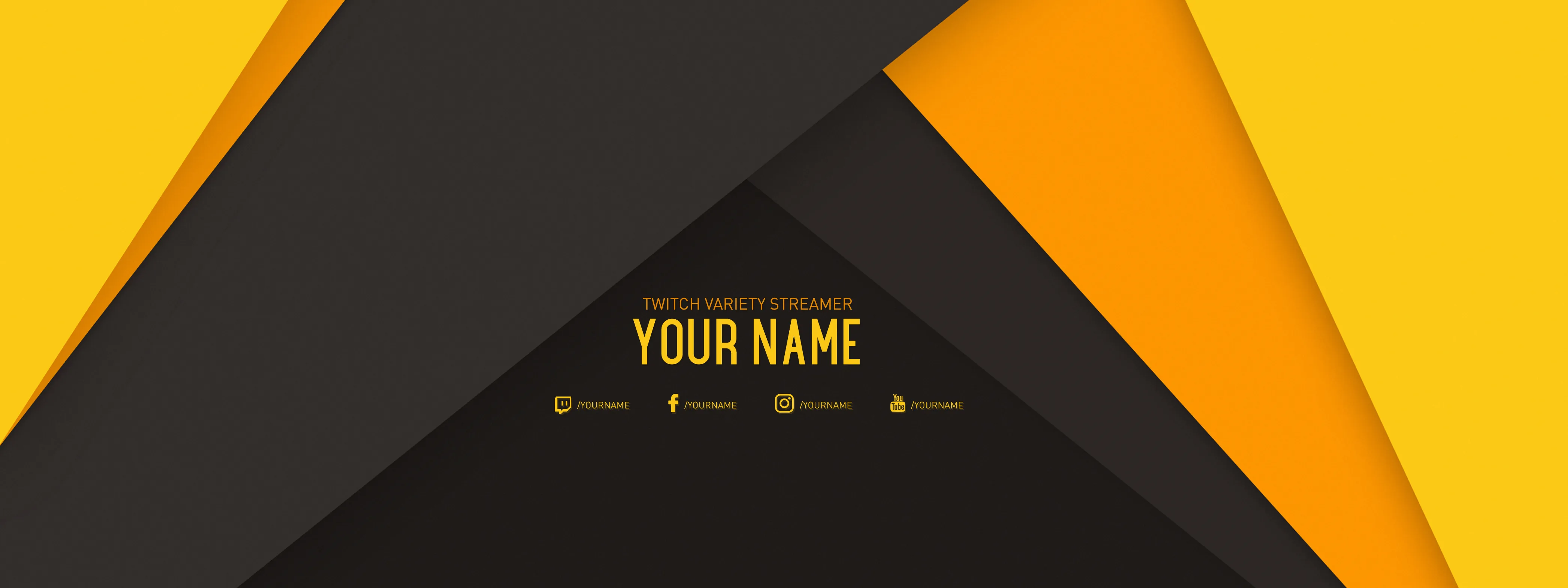
The supplied Royale package adds a warmer yellow-and-charcoal direction to the visual mix.
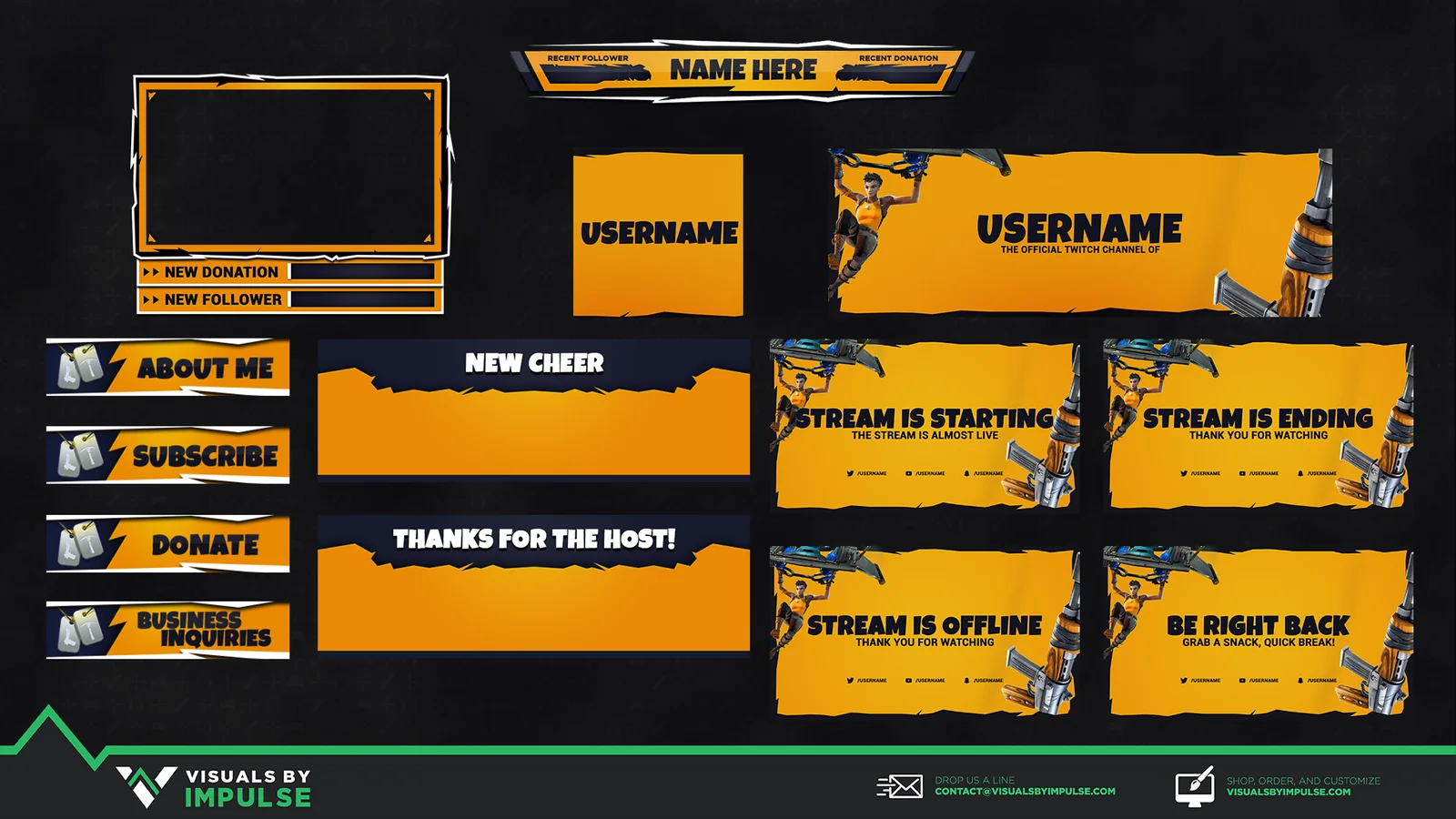
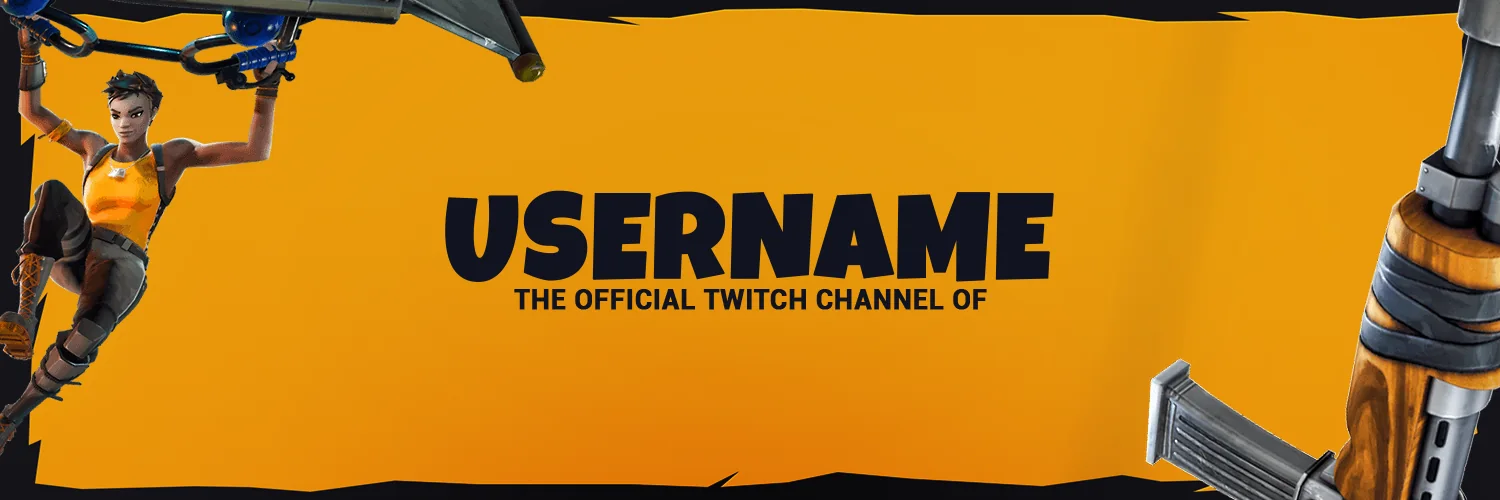
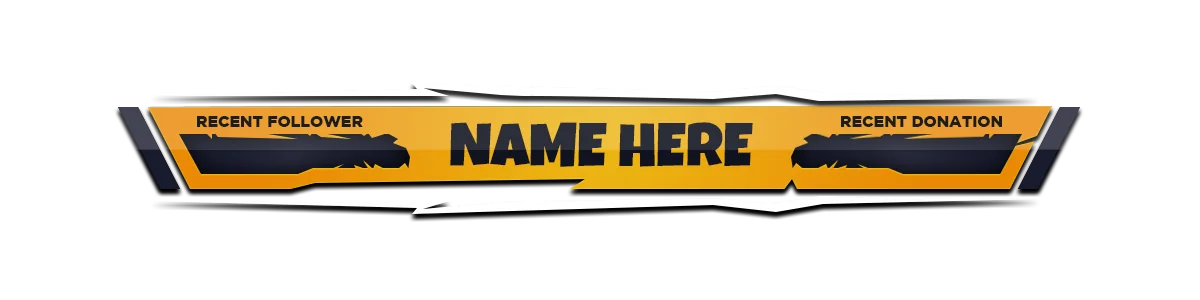
Explore the original creator ↗The supplied set ties its avatar, channel banner, camera frame and panels together with sharp orange, ink-black and white accents.




Wide channel banners and compact avatar crops from the supplied Luxury Static profile set.



Starting, intermission, Be Right Back and ending scenes keep the broadcast visually connected between matches.



A team-versus-team banner from your Switchcraft 2v2 event graphics brings the fighting-game side of the stream kit into view.
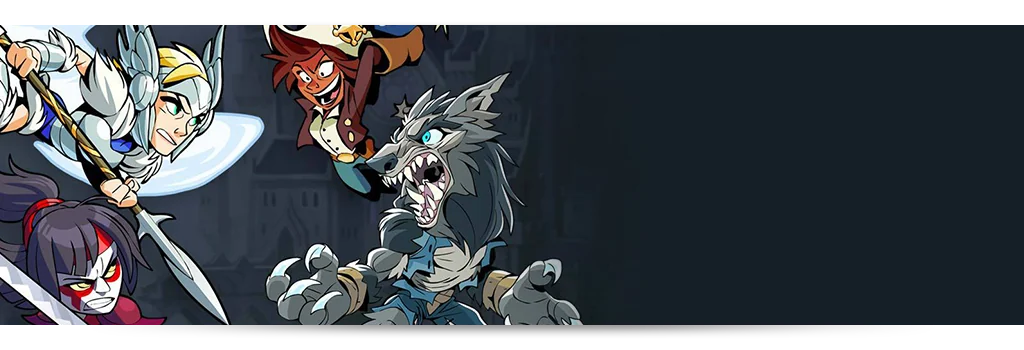
Reference artwork supplied for this page includes Visuals by Impulse graphics and the Switchcraft 2v2 event banner. Original packages, editable PSDs, fonts, licensing terms and creator credits remain with their respective owners; they are not bundled into the downloadable COS:CORE scenes. Visit Visuals by Impulse ↗
Choose a scene, change labels and colors, then hide the controls for capture.
Keep the included HTML, CSS and JavaScript together in one folder.
Point OBS to index.html and set the source to 1920 × 1080.
Select the scene, update event labels and colors, then hide the editor controls.
The overlay runs without network requests, so it works for offline events and can be moved between broadcast systems as one folder.
Metallic gold, cyan energy and deep arena tones connect the kit to the wider Coach Cosmic learning ecosystem.